This article was translated using AI.
In a previous post I used GKE Workload Identity to avoid embedding IAM keys. That covers service accounts, but what about other secrets? Enter Secret Manager + External Secrets Operator.
1. Create Secrets in Secret Manager
In the GCP console:
- Open Secret Manager.
- Click Create Secret.
- Supply a name and the secret value.
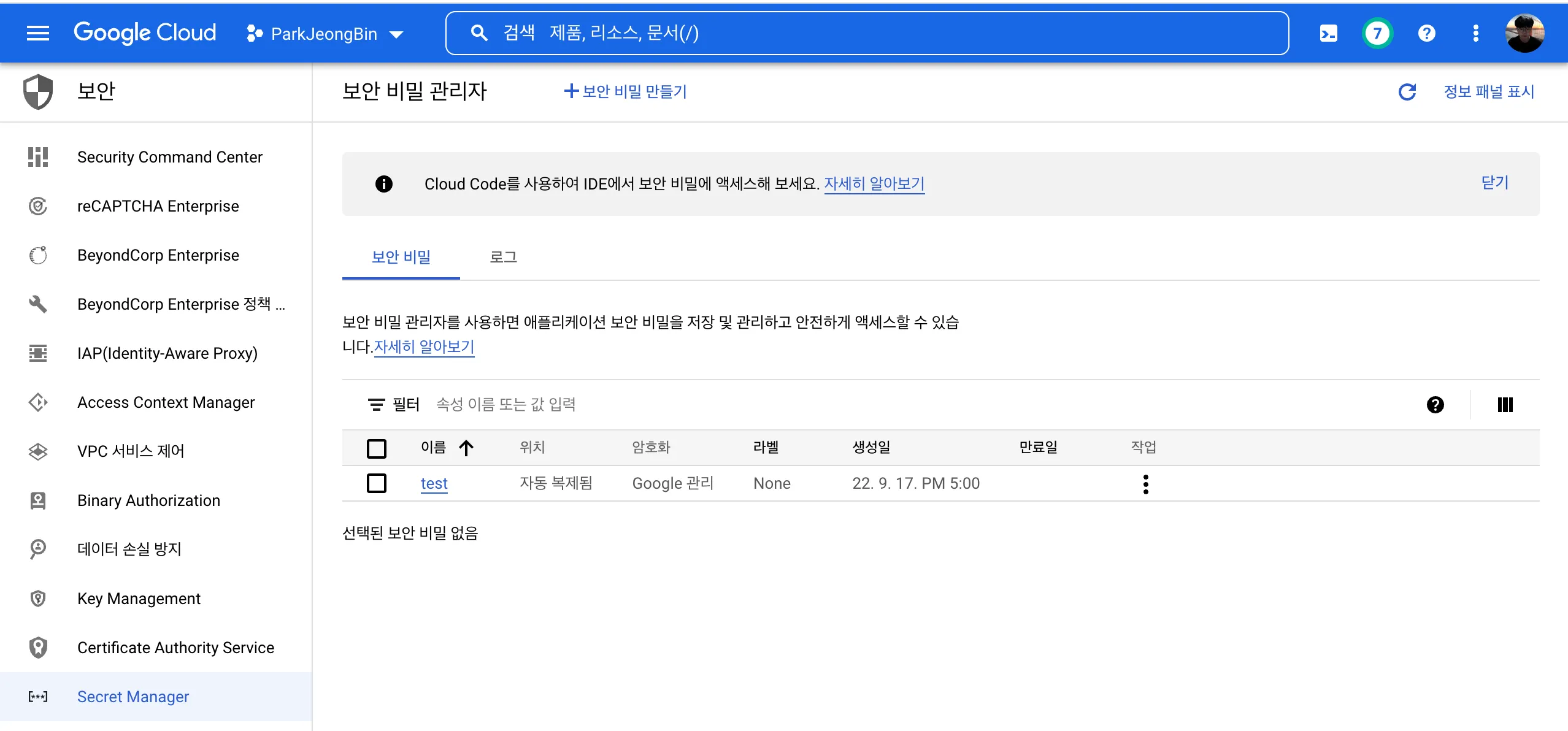
2. Install External Secrets Operator
External Secrets Operator (ESO) syncs cloud secrets into Kubernetes:
helm repo add external-secrets https://charts.external-secrets.io
helm install external-secrets \
  external-secrets/external-secrets \
  -n external-secrets \
  --create-namespace
Each cloud requires a SecretStore. On GKE, pair it with Workload Identity:
apiVersion: v1
kind: ServiceAccount
metadata:
  name: sa
  namespace: es
  annotations:
iam.gke.io/gcp-service-account: example-team-a@my-project.iam.gserviceaccount.comapiVersion: external-secrets.io/v1beta1
kind: ClusterSecretStore
metadata:
name: example
namespace: external-secrets
spec:
provider:
gcpsm:
projectID: sharp-voyage-345407
auth:
workloadIdentity:
clusterLocation: asia-northeast3-a
clusterName: test
clusterProjectID: sharp-voyage-345407
serviceAccountRef:
name: sa
namespace: esVerify:
kubectl get clustersecretstore
# STATUS should be Ready/Valid
3. Sync Secrets into Kubernetes
Define an ExternalSecret:
apiVersion: external-secrets.io/v1beta1
kind: ExternalSecret
metadata:
  name: example
spec:
  refreshInterval: 1h
  secretStoreRef:
    kind: ClusterSecretStore
    name: example
  target:
    name: secret-to-be-created      # k8s Secret name
    creationPolicy: Owner
  data:
  - secretKey: test                 # desired key inside k8s Secret
    remoteRef:
      key: test                     # Secret Manager secret name
ESO creates a Kubernetes Secret (secret-to-be-created) populated from Secret Manager. Adjust refreshInterval to control polling frequency.
4. Mount the Secret
Use the Kubernetes Secret like any other—via volumes or env vars:
apiVersion: batch/v1
kind: Job
metadata:
  name: publish
spec:
  template:
    spec:
      containers:
      - name: publish
        image: gcr.io/sharp-voyage-345407/publish:0.3
        command: ["python", "main.py"]
        volumeMounts:
        - name: creds
          mountPath: /credential
          readOnly: true
        env:
        - name: GOOGLE_APPLICATION_CREDENTIALS
          value: /credential/test
      volumes:
      - name: creds
        secret:
          secretName: secret-to-be-created
      restartPolicy: Never
  backoffLimit: 1
Here the mounted file acts as GOOGLE_APPLICATION_CREDENTIALS. Easy, secure secret management for GKE workloads.***